What rain does to the road
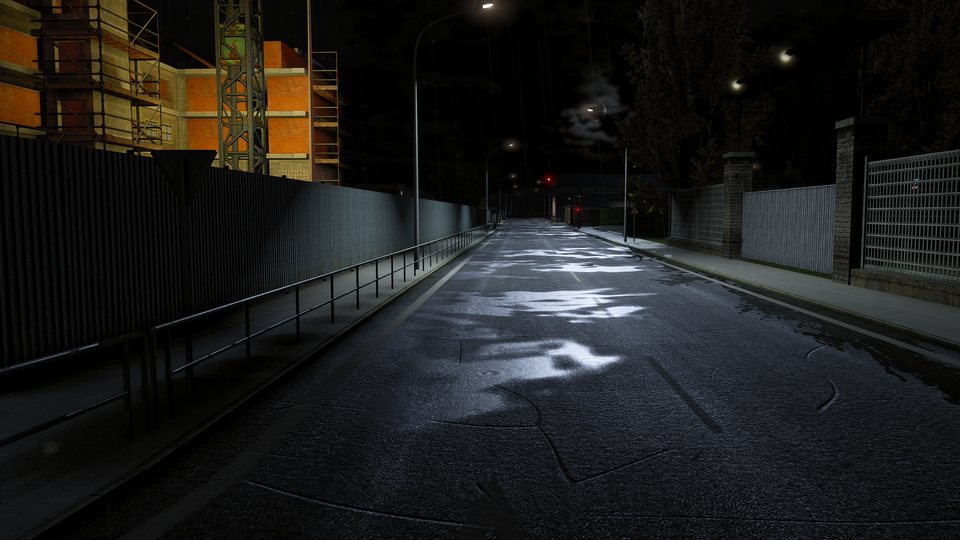
- Wet asphalt: darker and glossy, with the sky and the street lights shining in it.
- Puddles with natural shores, in patches of different sizes, fixed to the road: they do not slide when the camera moves, and every road piece has its own.
- Rain ripples: rings in the puddles and on the wet road while it rains.
- Water in the cracks: the road's cracks hold water when it rains.
- It follows the game's weather: with Wet roads on Auto, the road gets wet when the game's rain starts and dries when it stops.
Rain fixes in 1.0.4
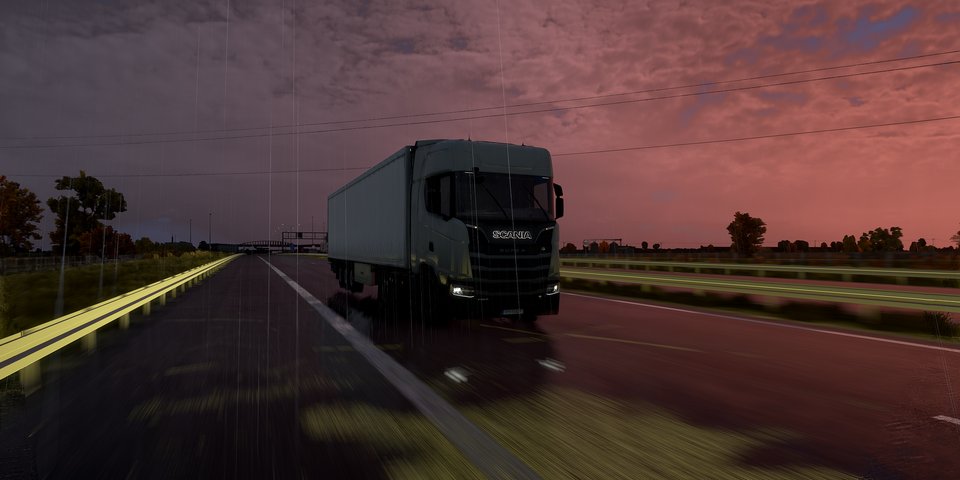
No flicker on wet ground while the camera turns, no sun sparkles on wet markings and concrete at sunset, and no rain ripples on the cabin floor mats.
Your settings
In the overlay, Advanced > Nature: Wet roads (Auto or Always), Puddles and Rain ripples. Wet roads, puddles and ripples are in Deep Light Pro, together with frame generation, which keeps a rainy night drive smooth.
One licence covers ETS2 and ATS. No always-online: it works offline for up to 30 days. See the FAQ for what happens if you stop.
Questions
How do I get realistic rain in ETS2?
The rain itself comes from the game's weather. Deep Light changes what it does to the road: wet, darker asphalt with glossy reflections, puddles with natural shores, rain ripples and water in the cracks. Wet roads follow the game's rain on their own (Auto).
Is the rain part free?
Wet roads, puddles and ripples are in Deep Light Pro. Deep Light Core has the anti-aliasing, upscaling and the basic look.
Do the puddles slide when the camera moves?
No. The puddles, cracks and patches are fixed to the road, and every road piece gets its own pattern, so nothing repeats.
Can I turn puddles or ripples down?
Yes. In the overlay, Advanced > Nature: Wet roads (Auto or Always), a Puddles slider and a Rain ripples switch.